Last updated: July 29, 2026
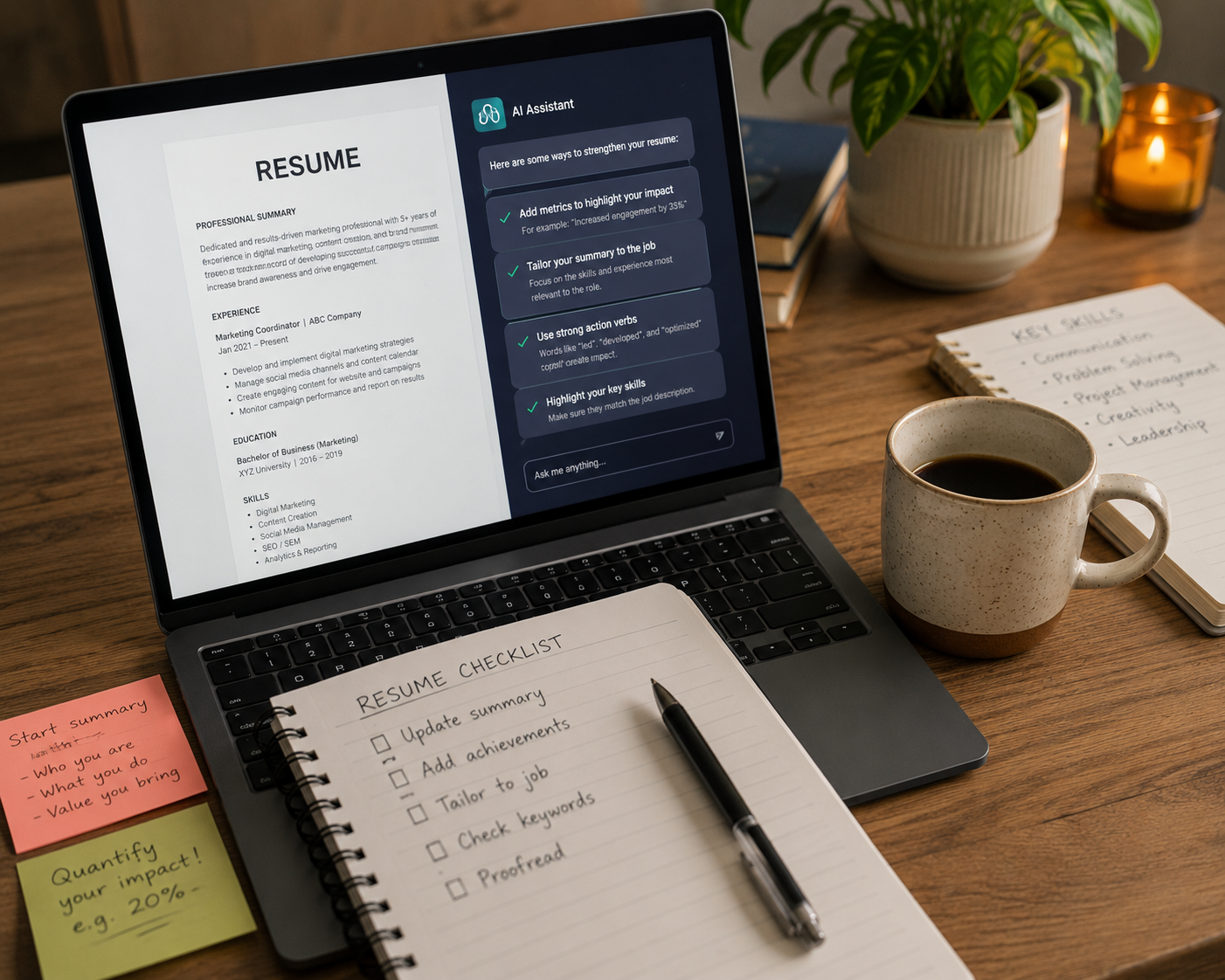
Use AI to Write a Better Resume
Writing a resume can be difficult, but AI can help.
Think of AI as a helpful assistant. You tell it about your work experience, and it helps turn it into a clear, professional resume.
You don't need to be good with technology to get started.
Step 1: Gather Your Information
Write down:
- Previous jobs
- What you did in each role
- Your skills
- Qualifications or licences
- Volunteer work (if any)
- The job you want
Never share personal information such as your passwords, bank details, Medicare number or Tax File Number.
Step 2: Ask AI
Open a free AI tool like ChatGPT, Microsoft Copilot or Google Gemini.
Try this prompt:
Help me write a resume for a warehouse assistant job using simple, professional language.
Replace warehouse assistant with the job you're applying for.
Step 3: Add Your Experience
Describe one job at a time.
For example:
I worked in a café for two years. I served customers, made drinks, used the cash register and cleaned tables. Turn this into professional resume bullet points.
Don't worry about making it sound professional—AI will improve the wording.
Step 4: Tailor Your Resume
Copy the job advertisement into the chat and ask:
Please tailor my resume to this job advertisement. Only use the information I've provided.
Step 5: Check Before You Apply
Before sending your resume, check that:
- Everything is true
- Dates are correct
- It sounds like you
- There are no spelling mistakes
Then copy it into Microsoft Word or Google Docs and save it as a PDF.
⭐ Copy & Paste Prompt Below
'Help me create a professional resume for a [job title]. I'll provide my work history, skills and education. Use Australian spelling, keep it to two pages and don't make up any information. Ask me questions if you need more details.'
Related articles